Acrobat Pro–style PDF edits in the browser: redact, links, auto-fit text, smart erase
What Acrobat Pro charges for — true redaction, hyperlinks, font-matched word changes with auto-fit, and background-matched erase — now in free Edit PDF (browser + short server export).
What moved from “subscription only” to the page
Most PDF sites stop at merge, split, and flatten white boxes. Edit PDF now includes several jobs that used to sit behind Acrobat Pro:
- Change words — embedded font match plus auto-fit when your replacement is longer than the original.
- Permanent redact — removes text from the file, not a black sticker on top.
- Hyperlink — drag a region and add a URL that works in Acrobat, Preview, and Chrome.
- Smart erase — samples the page colour around your box (forms and tinted paper).
- Strike through on selected text, same as markup tools in desktop editors.
What still runs on the server
Redact, links, and change-words need PyMuPDF on a short-lived server job (under 15 MB, you confirm upload). Highlights, smart erase, icons, and find-and-replace previews still run in your browser until you download.
For bulk redaction patterns, also see Redact PDF.
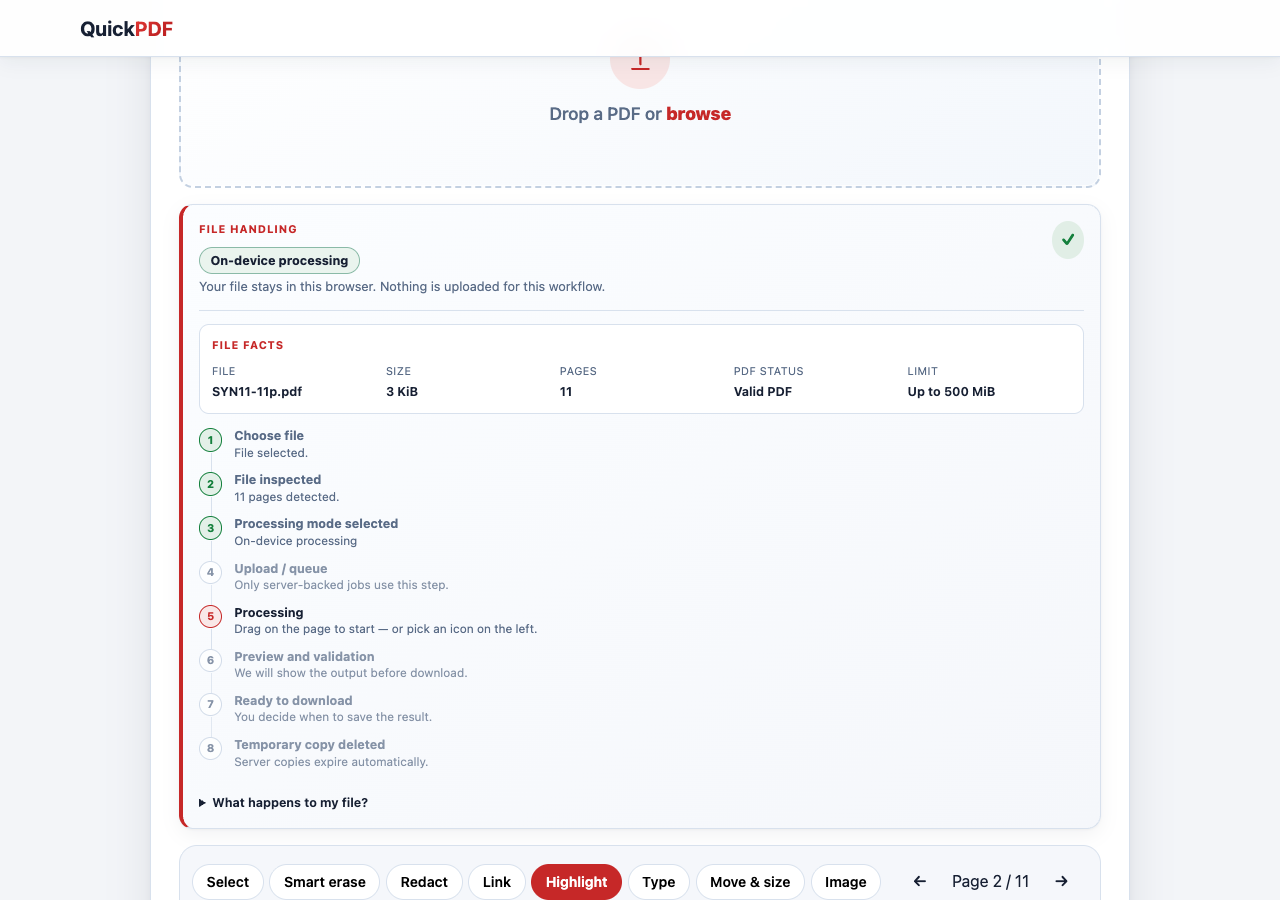
Proof: browser highlight on a long PDF
Highlights and stickers stay in the browser. This capture shows page 2 of an 11-page test file with a highlight before download — same flow as the animated demos above, but from a real editor session.
FAQ
Is smart erase the same as redact?
No. Smart erase paints over content visually; redact removes the underlying text from the PDF bytes.
Do links work on mobile?
Yes in most viewers that honour PDF link annotations. Always test one device before mass sharing.